Working With an Existing Udio File: Repair, Mix, or Leave It Alone?
A mono-first check for hollow vocals, unstable width, and low-end drift—without sanding away the space that made the track worth keeping.
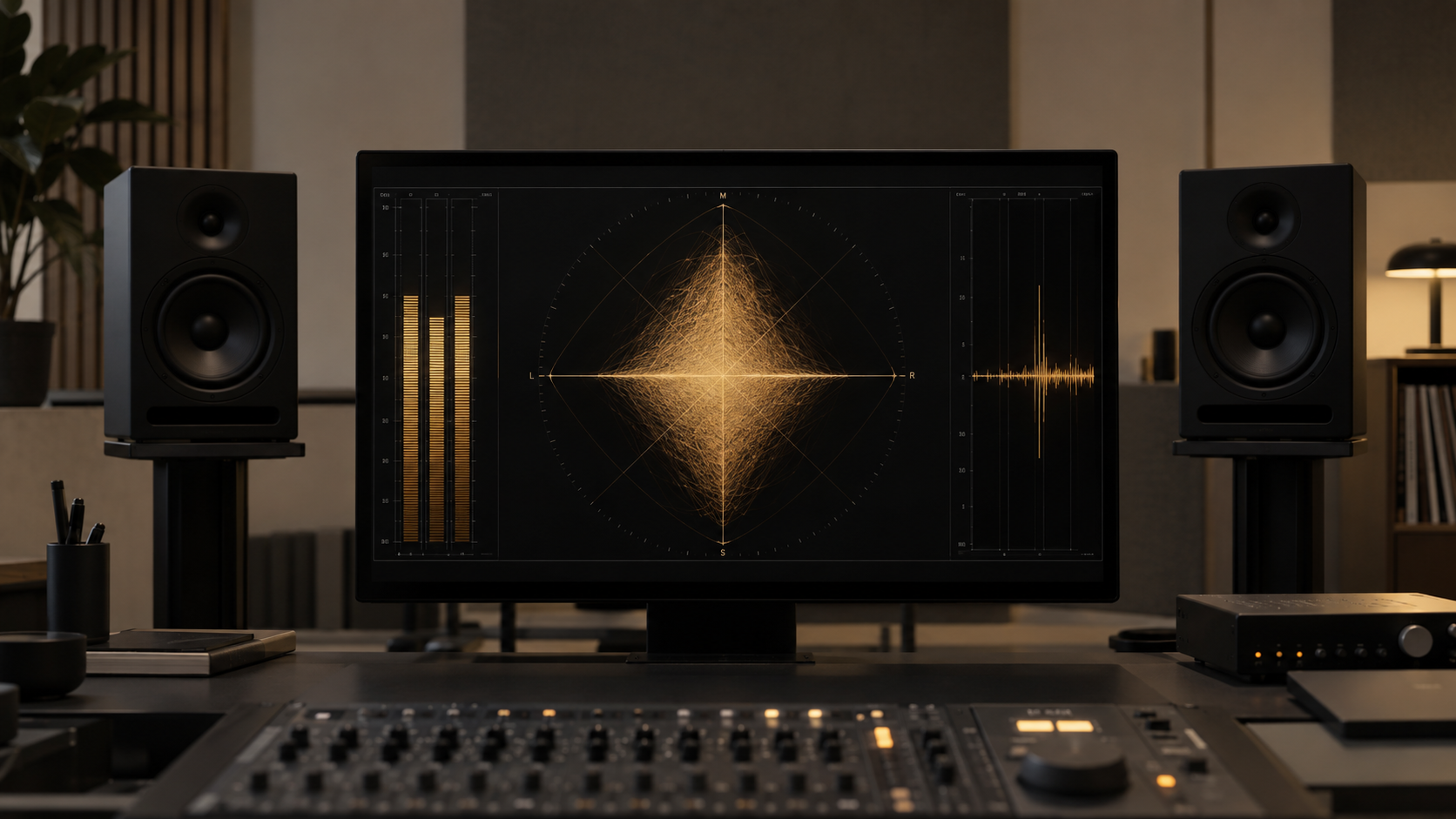
An existing Udio file may feel unusually spacious: room tails stretch past the vocal, supporting parts wrap around the center, and small harmonic details stay audible. That width can be part of the arrangement. It can also hide a center that sounds hollow or a low end that loses weight when the mix is folded to mono.
Do not diagnose the generator from its name. Diagnose this file. Keep the untouched version aligned with a working copy, choose one short vocal phrase and one bass-heavy section, then switch between stereo and mono at the same playback level. If nothing important moves, disappears, or turns papery, the file may not need repair.
This is a repair workflow, not a recipe for making every Udio track sound alike. If the problem is still vague, use the audio triage guide to name the dominant symptom first. A processor without a named target tends to become a very expensive bypass button.
01 / Compare symptoms, not brands
Udio vs. Suno: How Their Sound Artifacts Differ
Platform comparisons are useful only as starting hypotheses. In some existing Udio files, the distracting feature is a very wide, phasey ambience around a comparatively hollow center. In some Suno files, the obvious problem is instead a moving glassy edge in cymbal, vocal, or reverb tails. Neither pattern belongs to every export, and neither platform wins every genre.
Begin with a correlation meter or vectorscope, but let listening lead. A broad horizontal shape may indicate strong Side information; a meter leaning negative warns that some of it may cancel in mono. Loop the same four to eight bars and press the mono switch. Listen for the lead vocal stepping backward, reverb collapsing, bass losing its fundamental, or percussion changing tone.
If the change centers on a hollow or tunnel-like vocal, search the Mid channel between roughly 500 Hz and 1.2 kHz. That is a search area, not an Udio preset. The useful frequency depends on the singer, chord voicing, reverb, and arrangement. A static cut across the full stereo mix may remove the resonance, but it may also thin guitars and erase the Side reflections that create depth.
By contrast, a moving metallic edge belongs to a different diagnosis. Follow it through quiet tails and use dynamic treatment only when it repeats. The Suno export repair comparison shows that sequential approach. Use the same discipline here: one symptom, one controlled move, one matched comparison.
02 / Choose the smallest intervention
The Udio vs. Suno Sonic Profile Sheet
This sheet translates broad platform observations into tests. Treat every “often” as a reason to listen, not permission to process. The action column starts with verification because the file can contradict the profile.
| Feature | Possible Suno symptom | Possible Udio symptom | Test and restrained action |
|---|---|---|---|
| Stereo field | Center can feel crowded | Width can become phasey | Fold to mono; narrow only the unstable Side band |
| High frequencies | Moving glassy shimmer | Softer top with swishy Side detail | Loop a tail; use dynamic suppression only when it repeats |
| Lead vocal | Plastic or nasal edge | Hollow center or distant tunnel tone | Search the Mid channel; try a small dynamic reduction |
| Bass | Dense low-mid masking | Wide low end that weakens in mono | Compare stereo/mono; remove only low Side energy that cancels |
The sheet does not prove how either closed model works. It records audible possibilities and routes them to checks you can repeat. If your Udio file has a stable center, solid mono bass, and natural tails, skip the corresponding moves. If a Suno export is wide and phasey, use the same phase test regardless of the platform label.
Profile-sheet rule
A platform name can suggest where to listen. Only the current file decides whether a processor stays active.
03 / Preserve the sides
Step-by-Step: Fixing a Hollow Udio Vocal with Mid-Side EQ
Work non-destructively. Duplicate the source, lower input gain if the loudest section leaves no headroom, and place a loudness-matched reference on a separate track. Use any EQ or utility that can monitor and process Mid and Side independently; the brand matters less than clear routing and instant bypass.
Step 1: Separate the Mid from the Side
Monitor Mid first. You should hear material common to both channels: usually the lead vocal, kick, snare, bass, and other centered elements. Then monitor Side, which contains the left-right difference. It may reveal ambience, doubled parts, panned instruments, and high-frequency texture. Solo is diagnostic, not a mixing target; return to the full stereo signal before judging tone.
Check polarity and channel routing before touching EQ. If the utility changes level when you switch modes, compensate so the processed and bypassed signals are comparable. Mark what disappears in mono. If the vocal remains solid and the Side channel merely adds attractive space, there is no center problem to solve.
Step 2: Test the 600–900 Hz Hollow Pocket in the Mid Channel
Loop a phrase where the vowel sounds distant, boxy, or like it is arriving through a short tunnel. In the Mid channel only, sweep a narrow bell quietly through 600–900 Hz to locate the strongest repeatable resonance. Stop sweeping, reset the gain, then try a dynamic reduction of roughly 1–3 dB that engages only when the resonance pushes forward.
Bypass every few seconds. The pass condition is a vocal that feels nearer without losing its chest or making the arrangement thin. If the lyric gets smaller, the snare body vanishes, or the improvement exists only in Mid solo, reduce the depth or remove the band. For a vocal whose real problem is synthetic timbre or unstable phrasing, move to fixing robotic vocal tone rather than forcing a midrange cut.
Step 3: Remove Side Energy from the Sub-Bass
Now loop the bass-heavy section and alternate stereo with mono. If the low fundamental shrinks, filter only the Side channel below roughly 120–150 Hz or use a band-limited width control. Raise the cutoff from below while listening to the whole track, then stop as soon as the mono bass becomes stable. A full stereo-to-mono collapse is unnecessary.
Recheck kick weight, bass sustain, and the transition into the chorus. The stereo version should keep its space while the mono version retains the musical foundation. Level-match the repaired file to the untouched reference; if the “clarity” disappears when loudness is equal, the fix has not earned its insert slot.
04 / Know when air is musical
When to Leave the File Alone
Some intimate jazz, folk, ambient, and acoustic arrangements depend on soft room-like tails, blurred edges, and a center that sits behind the speakers. That character can resemble noise or distance when auditioned in solo. Aggressive denoising may produce a cleaner spectrum while stripping away the breath between notes, the decay of a brushed cymbal, or the sense that instruments share a room.
Leave the file alone when the vocal remains intelligible, the bass survives mono, no resonance repeatedly pulls attention away from the song, and a level-matched repair does not win consistently. Also stop when each new processor solves one small detail but creates a new problem elsewhere. More activity is not more accuracy.
Repair when the musical performance is worth keeping and one localized defect improves under a reversible move. Mix when balance or placement—not damage—is the issue and you have enough control to change it. Regenerate when pronunciation, melody, timing, or the underlying performance is wrong. EQ can reshape existing energy; it cannot write the missing performance.
05 / FAQ
Frequently Asked Questions
Can I download WAV files directly from Udio?
Not at the moment. Udio’s official help center says downloads of audio, video, and stems are currently disabled during its service transition. This guide is for a Udio file you already downloaded or otherwise lawfully saved. If downloads return, check Udio’s current help pages rather than relying on an old plan comparison.
Why does my Udio track sound thin when played in mono?
Some left and right information can partially cancel when the channels are summed. Listen for vocals, pads, cymbals, or bass that shrink in mono, then reduce only the Side content causing the loss. Do not make the entire mix mono simply because one band is unstable.
Does this guide apply to Udio v1 or v1.5?
The listening method applies to files from either version because it measures the file you have, not a presumed model signature. Udio currently lists v1, v1.5, and v1.5 Allegro as available models, but no version guarantees the same defect or the same EQ setting in every song.
Platform availability checked against Udio’s official transition notice and current model notice on September 20, 2026.
Your next move
Press mono before you reach for another EQ.
Choose one vocal phrase and one bass-heavy section. Compare Mid, Side, stereo, and mono at matched loudness. If you can name a repeatable defect, make the smallest reversible move that addresses it. If the width, air, and center already survive the check, save the session and keep the music.
Run the M/S check