Stems or Stereo? Pick the File That Gives You Room to Fix Things
A damage-first test for deciding whether isolated parts offer useful control or quietly replace one mix problem with bleed, watery edges, and lost cohesion.
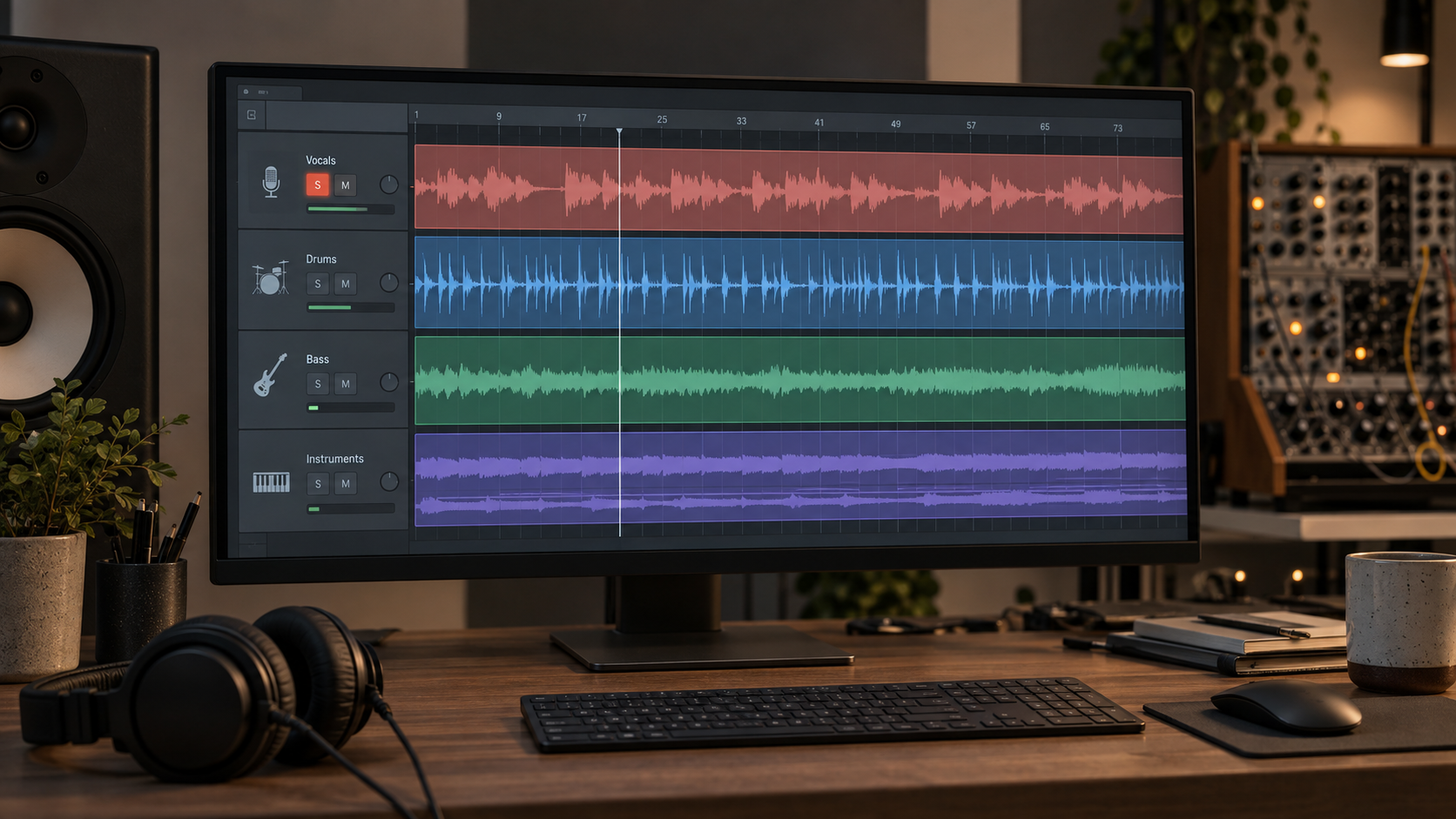
“Split it into stems” sounds like a shortcut to the original studio session. It is not. Stems are grouped parts—vocal, drums, bass, and instruments—not necessarily the untouched tracks that existed before the mix. They give you separate faders, but may also carry cymbal residue, softened attacks, or a regenerated performance.
The stereo file preserves the blend you already like, but every repair has shared consequences. A low-mid cut meant to reveal the vocal can thin the snare and guitars; a full-mix de-esser may pull down cymbals with every S sound.
Keep both sources. Duplicate the raw stereo file, export every available stem without processing, and line them up from the same start point. Do not begin by making the soloed vocal sound impressive. Begin by asking whether the stems can rebuild the song you intended to keep.
01 / Hear the extraction cost
The Two Failure Modes to Audition Before You Split
First listen for bleed: another source left inside the isolated part. In a vocal stem, cymbal wash may sound like a thin hi-hat or crash following each phrase. Compression or bright saturation raises that residue between words, attaching a new problem to the part you wanted to control.
Check a vocal pause in the busiest chorus, the end of a long vowel, and a passage with rapid hi-hats. Solo briefly, then return to the mix. A faint trace that disappears may be harmless; one that doubles, swirls, or turns metallic against the cymbals counts against the stem.
The second failure mode is a watery or phasey edge: a hollow, unstable texture around reverb tails, harmonies, or drum attacks. “Phasey” describes what you hear, not a proven hidden cause. Listen for a wandering center, blurred consonants, or bass that becomes wide but less solid.
Recombine the raw stems at neutral gain and loudness-match them to the stereo original. Compare a verse, chorus, and quiet tail. Perfect cancellation is not a useful requirement when a tool transforms or regenerates parts. Ask whether the sum preserves melody, timing, punch, and center focus well enough for the intended repair.
Current Suno documentation describes Auto Split, Split from Mix, and Advanced Split, and Suno says its updated approach can regenerate requested stems rather than carve the original mix into recovered source tracks. That can avoid some conventional spill, but it also makes comparison with the original performance essential. Read Suno's current stem-separation explanation before choosing a mode or subscription.
Audition rule
Judge a stem twice: alone to locate residue, then recombined to hear the musical cost. The full mix makes the decision.
02 / Choose the smaller compromise
The Stem Bleed vs. Stereo Cohesion Decision Matrix
Start with the least invasive route. Stereo is usually enough for a broad, mild flaw reachable with one dynamic move. Stems earn their place when one identifiable part needs a change that would clearly damage the full mix.
| What you need to fix | Start with | Why | First bounded move |
|---|---|---|---|
| Vocal is clear; bass is slightly boomy | Stereo | The vocal blend stays intact | Small dynamic low-end or low-mid cut |
| Lead vocal needs phrase-level edits or its own space | Stems | The edit must avoid drums and instruments | Clip gain, conservative de-essing, short shared reverb |
| Cymbals turn sharp only in the chorus | Stereo | Extraction may add more high-frequency residue | Section-aware dynamic EQ |
| Bass and kick fight rhythmically | Stems | Separate control enables timing-aware sidechain gain | Duck bass slightly from the kick |
| Recombined stems lose punch or center focus | Stereo | The separation cost exceeds the control gained | Return to the raw mix and narrow the repair goal |
For low-mid masking, use the vocal unmasking check before splitting; a 1–2 dB stereo move may be enough. For a plastic or nasal vocal, separate timbre from performance with the vocal tone repair steps.
External separation tools are alternatives, not guaranteed upgrades. Demucs v4, for example, is a hybrid waveform and spectrogram model that separates broad source groups; its official repository also notes bleeding and artifacts in an experimental six-source model and is now archived. Use the Demucs project documentation to understand its scope, then audition the actual output from your song rather than selecting a tool by reputation.
03 / Clean only what you can name
Step-by-Step: Cleaning an Isolated Suno Vocal Stem
Save the extracted vocal untouched, align it with the stereo reference, and choose one revealing phrase. The goal is not a sterile solo; it is a better vocal after every part returns.
Step 1: Gate or Edit the Silent Spaces
If cymbal residue or room-like noise appears only in true gaps, lower those regions with clip gain or short fades. Manual editing often protects breaths and reverb tails better than a hard gate. Start with a small reduction, not digital silence.
With a gate or downward expander, use a release long enough to avoid chatter. Recombine after every few edits and stop when the gap is unobtrusive; a perfectly empty solo can sound chopped in context.
Step 2: Suppress Cymbal Splash Residue
Mark each cymbal fragment. Use a split-band de-esser or dynamic EQ above roughly 8 kHz as a search region, then tune it to the splash. Keep it narrow enough to protect consonants and breaths; a few decibels on isolated events is safer than a permanent high-shelf cut.
Bypass in the full mix. If the vocal loses clarity before the splash stops distracting you, return to stereo or try another extraction instead of hiding the singer behind a curtain.
Step 3: Reintroduce Shared Space
If divided ambience makes the vocal feel pasted on, send it and one related instrument to the same short room or early-reflection bus. Filter the return so it does not rebuild low-mid fog or metallic fizz.
Shared space is optional. If the vocal already sits naturally after recombination, leave it alone. If it remains detached, raise the bus until you notice cohesion, then lower it slightly. The reverb should explain the room, not announce a new one.
04 / Rebuild the song
The Bus-Summing Gate
Route every stem to one clean bus with headroom. Do not use saturation until neutral recombination passes. Match the bus to the stereo reference, then compare kick attack, bass center, consonants, width, and quiet tails at the same timestamps.
If the neutral sum works but feels slightly segmented after the repair, try very gentle tape-style or soft-clip saturation. Match the output again. Reject the stage if it softens drum attacks, narrows the chorus, adds grit to the vocal, or merely sounds better because it is louder. Glue is not a setting; it is the absence of a distracting seam.
Run the complete choice through the Suno sequential repair plan only after this gate passes. Save three clearly named files: untouched stereo, neutral stem sum, and repaired stem sum. Your winner is the version that makes the named defect smaller while keeping the music's timing, tone, and energy closest to the source you liked.
Go / no-go
Keep the stem workflow only when the repaired sum beats both the neutral stem sum and the untouched stereo file at matched loudness. Otherwise, use the stereo file and simplify the repair.
05 / FAQ
Frequently Asked Questions
Is Suno's stem separation better than an external tool such as Demucs?
There is no universal winner. Suno now offers several paid split modes and says its current approach regenerates requested parts, while Demucs separates a finished audio file into broad source groups. Those are different workflows. Export both when available, align them with the stereo original, and keep the version that changes the performance least while giving you enough control.
Why does my vocal stem sound underwater?
An underwater or phasey texture means the isolated vocal no longer has stable edges or ambience. It may come from separation residue, a regenerated part that differs from the mix, or aggressive cleanup after extraction. Compare the raw stem with the untouched stereo file. If a few edits cannot improve it without dulling consonants, return to the stereo mix or generate a different split.
Can separated stems change the rights to my song?
Audio separation alone does not answer ownership, licensing, disclosure, or monetization questions. Those depend on the generator terms, your source material, the service you use, and applicable law. Treat stems as an editing format, not proof that a track is cleared for commercial release.
Your next move
Recombine first. Repair second.
Line up the raw stereo export and the unprocessed stems, match their loudness, and listen to one verse, one chorus, and one quiet tail. If the stems preserve the song and expose a repairable part, use them. If they add a more distracting problem, the stereo mix is not the lesser option—it is the cleaner source.
Use the decision matrix