The S-Sound Test: Fixing Spitty AI Vocals Without a Lisp
A controlled way to reduce harsh consonant bursts while keeping the words clear, the vocal present, and the cymbals intact.
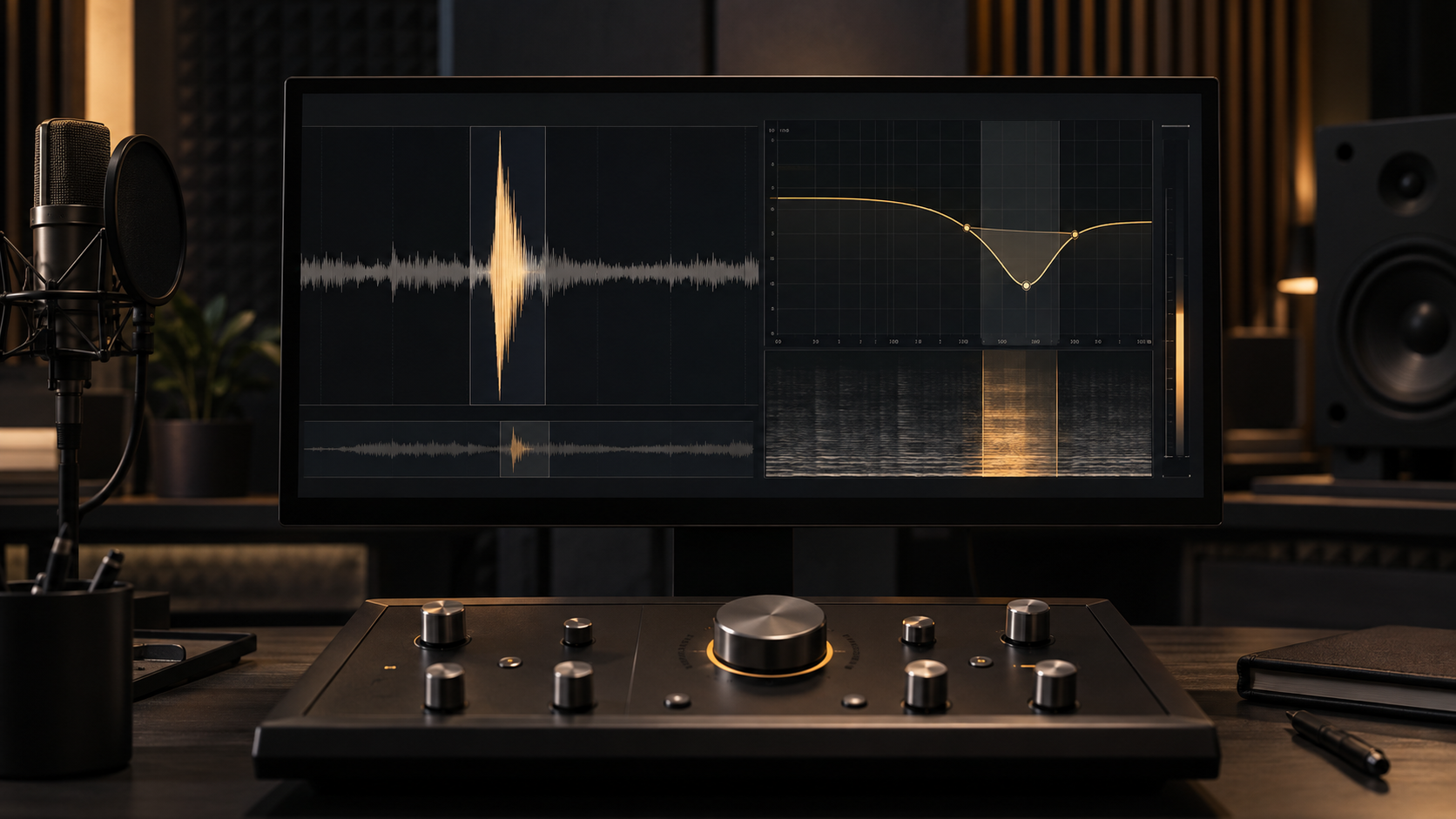
The vocal sounds convincing until a word begins with “S,” “T,” or “SH.” Then a bright digital spit jumps forward, sometimes louder than the syllable around it. Turning down the whole top end makes the singer dull. Pushing a de-esser harder can replace the spike with a soft, unnatural slur.
The useful question is not “How much de-essing should an AI vocal get?” It is “Which brief consonant is too sharp, and can you reduce that burst without changing the vowel, the cymbals, or the singer’s placement in the mix?” Work on one repeatable example first. A processor that behaves on the worst syllable is easier to trust across the song.
Save an untouched version before editing. Loop a phrase that contains the problem and one nearby phrase that does not. Keep both in the test: the harsh phrase shows whether the repair works, while the clean phrase reveals whether the processor is creating a new problem.
01 / Identify
Why AI Sibilance Needs a Narrow Test
Natural sibilance is the noisy airflow that makes consonants intelligible. It is supposed to contain high-frequency energy. The repair target is not every S; it is the moment when one consonant produces a separate piercing burst, whistle, or sandy edge that pulls attention away from the word. Removing all that energy may sound smooth in solo and unreadable in the mix.
Generated vocals can also combine several defects in the same instant: a sharp consonant, a metallic layer behind it, and a reverb tail that smears after it. A de-esser reacts to level in a selected band. It cannot reconstruct a malformed syllable or separate a consonant that is already fused with cymbals in a stereo export. Name what you actually hear before choosing the tool.
Use frequency numbers as search areas, not presets
Many bright consonants are easy to notice somewhere between roughly 6 and 9 kHz, but the exact point changes with the voice, word, pitch, and export. Do not place a filter at 7 kHz simply because a tutorial says so. Enable the detector’s listen or delta mode, sweep slowly, and find the narrow region where the harsh burst becomes obvious while the vowel mostly disappears.
If listen mode gives you mostly hi-hat, room wash, or the entire vocal, the band is too broad or the source is not separable enough for an automatic fix. Return to the full mix and confirm that the suspected burst is still the thing bothering you. Solo is a microscope, not the final audience.
Wideband vs. split-band de-essing
A wideband de-esser turns the whole vocal down whenever the detector hears sibilance. That can be useful for a naturally bright recording, but on a short AI-generated spike it may make the voice duck or lose body. A split-band de-esser reduces only the selected high-frequency area. The vowel and lower part of the voice stay steadier while the sharp edge is controlled.
Split-band does not mean “inaudible.” Too much reduction can still hollow out consonants and create the familiar lisp effect. Start small. If 2 dB takes the burst out of the foreground, there is no prize for reaching 6 dB.
02 / Calibrate
The Consonant Calibration Protocol
Use the table as a sequence, not a collection of magic settings. Each step answers one question before you increase the next control. The ranges are conservative starting points; the audible result decides whether you keep them.
| Step | Control | Starting point | Pass condition |
|---|---|---|---|
| 1. Find the burst | Detector listen / delta | Sweep about 6–9 kHz | You hear the sharp consonant more than the vowel |
| 2. Limit the target | Split-band range | Moderate width; about Q 3–4 | The vocal body stays steady when reduction begins |
| 3. Catch the attack | Lookahead | 0 ms, then 2–5 ms only if needed | The initial spit softens without blurring timing |
| 4. Cap the move | Maximum gain reduction | Start 1–2 dB; never exceed 4 dB in this test | The S stays recognizable and less distracting |
| 5. Verify | Matched-level bypass | Test “stay,” “silence,” or the actual lyric | No lisp, dullness, pumping, or cymbal damage |
Set the threshold so the processor responds to the problem consonant but remains mostly still on vowels and softer words. If the gain-reduction meter never rests, the threshold is too low, the range is too broad, or the vocal is simply bright rather than sibilant. Raise the threshold and listen again.
Next, compare 0 ms of lookahead with a small value. Lookahead lets the detector prepare for a fast transient, but more is not automatically cleaner. If the consonant loses its front edge or the timing feels softened, shorten it. Then set the reduction ceiling. Four decibels is a safety boundary for this protocol, not a target.
Stop rule
Stop increasing reduction when the burst no longer jumps out in the full mix. If the word becomes less clear before the burst settles, restore the previous setting and use manual clip gain or a new source.
03 / Edit
Manual Clip Gain vs. Automated De-Essing
If only four or five consonants are troublesome, automation may be the longer route. Zoom in on one syllable, place edit points around the noisy consonant rather than the vowel, and lower that short region by about 2–3 dB. Add tiny fades at the boundaries so the level change does not click. Replay the full word before moving on.
This is a non-destructive adjustment when your DAW keeps the original clip available. Duplicate the vocal or save a new version first. Do not cut so tightly that you remove the transition into the vowel; that transition carries speech clarity. The edit should feel like the same performance with less spit, not a consonant pasted from another word.
Manual gain is especially useful when one burst contains a strange whistle that makes the automatic detector overreact. It is also safer when the vocal shares a stereo file with cymbals. A local level move affects a few milliseconds; a master-bus de-esser can reshape every hi-hat hit in the chorus.
Use automation when the same excess repeats across many phrases and the detector can distinguish it reliably. Use manual edits when the problem is rare, inconsistent, or musically exposed. If neither route reduces the burst without making the word worse, the consonant may be structurally malformed. Regenerating or replacing the vocal passage is then the cleaner option.
04 / Verify
Re-Check the Vocal in the Full Mix
A consonant that feels sharp in solo may be exactly bright enough beside guitars, synths, or cymbals. Return to the full mix after every meaningful adjustment. Match the processed and unprocessed versions in apparent loudness, close the plugin window, and switch between them. Louder and darker are both easy to mistake for “fixed” during a short comparison.
Listen for three things. First, the problem burst should stop pulling your attention away from the lyric. Second, the words should remain easy to understand. Third, the surrounding instruments should keep their attack and air. If the vocal moves backward, the hi-hat loses definition, or several clean consonants become soft, reduce the range or the amount.
Check at normal level and then slightly quieter. Harsh spikes often remain noticeable at low playback levels, while useful brightness simply helps the words read. Compare the repaired phrase with an untreated phrase from the same singer. The tonal balance should still feel like one performance.
For a broader diagnosis before adding more processors, return to the 30-second AI music cleanup triage. Sibilance is one defect bucket. Metallic reverb tails, vocal instability, and arrangement masking need different decisions even when they appear during the same chorus.
05 / FAQ
Frequently Asked Questions
Why did my de-esser make the singer sound like they have a lisp?
The detector is probably reducing too much of the voice, for too long, or across the entire signal. Switch from wideband to split-band processing, narrow the detection range, and lower the maximum reduction. The consonant should sound calmer, not disappear.
Can dynamic EQ replace a dedicated de-esser for AI vocals?
Yes. A dynamic EQ can work well when one narrow frequency area jumps out only on certain consonants. Use a fast but natural response, start with 1–2 dB of reduction, and level-match the result before increasing it.
What if the sibilance is mixed into the drum cymbals?
Avoid de-essing the whole stereo mix aggressively because the same high-frequency reduction can dull cymbals and ambience. If clean stems exist, treat the vocal stem. Otherwise try a very small mid-channel move and stop if the cymbals lose their attack or air.
Your next move
Loop one word. Keep the consonant.
Find the exact burst, reduce only the active band, and stop when the spike sits inside the phrase. If the S disappears or the rest of the mix gets dull, undo the change and choose the smaller tool.
Run the S-sound test