Your Mureka Track on Three Speakers: Where Does It Fall Apart?
A cross-speaker worksheet for finding the exact moment an exciting headphone mix turns into a phone buzz, a missing vocal, or uncontrolled car bass.
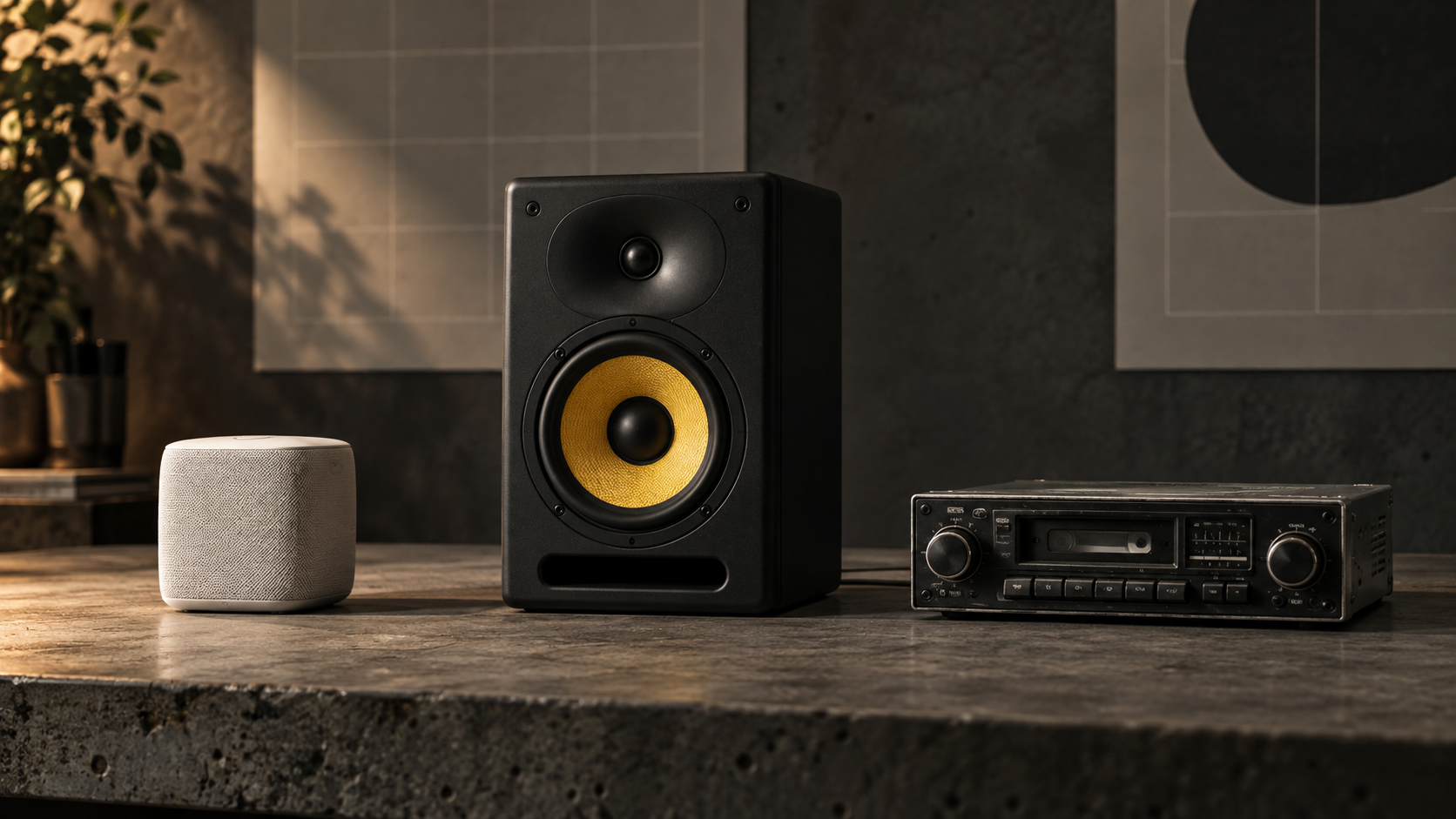
A Mureka export can feel wide and weighty in headphones, then lose its vocal on a phone or make one bass note swell in a car. Do not label the whole file “bad.” Use three playback systems to locate the repeatable symptom before you touch an EQ.
This is a translation test, not a verdict on Mureka or a contest between generators. Mureka currently supports full-song creation, local editing, stem extraction, and audio export workflows, according to its official feature guide. None of those features guarantees that one generated mix will suit every playback system. The useful question is narrower: where does this specific export stop carrying the musical balance you intended?
Save the untouched file, choose the busiest chorus or drop, and note its start and end time. Use that same passage for every check. If you need to identify the dominant symptom first, begin with the audio triage starting guide. Keep playback comfortable; a loud system can make any mix feel exciting for thirty seconds.
01 / Change the lens
Why Mureka's Sub-Bass and Highs Can Deceive Your Ears
Headphones place small drivers close to your ears and remove the room from the signal path. That makes quiet tails, stereo width, and very low tones easy to notice, but it does not show how a room or speaker cabinet will react. A 35 Hz layer may feel smooth in headphones while a car cabin emphasizes one note and masks the vocal. Treat that as a result from this export and this car—not as proof of a permanent Mureka frequency curve.
A phone creates the opposite constraint. Its tiny speaker cannot reproduce deep sub-bass with the same weight, so the musical center must survive through the midrange. If the kick, bass harmonics, vocal, and synths crowd the same area, the words may disappear or the speaker may sound papery on peaks. The phone is not “failing” to play the master; it is showing what remains after deep bass and wide stereo stop helping.
High-frequency texture also changes with the playback chain. A moving metallic edge around cymbals or vocal consonants may be obvious in headphones, softened by one speaker, and exaggerated by another. Do not cut a fixed band merely because a spectrum rises there. First loop the exact tail or consonant, lower the monitor level, and confirm that the sound—not just the graph—keeps pulling attention away from the music.
Translation rule
A defect is actionable when you can name the sound, mark its timestamp, and hear the same problem on a second playback path. One strange seat in one room is evidence to investigate, not permission for a large EQ move.
02 / Write before editing
The Cross-Speaker Diagnostic Worksheet
Start each pass from the same timestamp and at a repeatable, moderate level. Listen once without processing. Write one symptom in plain language—“vocal disappears on the last chorus” beats “mix needs mastering.” Then use the final column as a controlled test, not an automatic prescription.
| Playback system | What to check | Possible symptom | Small DAW test |
|---|---|---|---|
| 1. Familiar headphones / IEMs | Clicks, vocal edges, cymbal tails, stereo movement | Glassy fizz or a moving whistle in a tail | Try a narrow dynamic reduction around the audible resonance; stop before the track loses air. |
| 2. Smartphone in mono | Lead vocal, hook, snare or clap, bass harmonics | Words blur or the center thins when stereo collapses | Check mono compatibility first; create a small pocket in the backing only where it masks the vocal. |
| 3. Car / full-range speaker | Lowest notes, kick attack, pumping, physical rattles | One bass note blooms or the chorus makes the mix breathe unnaturally | Inspect energy below about 35 Hz and test a high-pass filter while level-matched; do not remove useful weight. |
Add four fields beside every fail: system, timestamp, symptom, and severity from 1 to 3. Severity 1 is noticeable only when you hunt for it; 2 distracts from the song; 3 obscures the vocal, groove, or hook. Fix severity 3 first. A mix with one documented problem is easier to repair than a chain of five processors aimed at the adjective “cleaner.”
After any change, match the processed version to the untouched export by perceived loudness and switch between them. If the edit sounds better only because it is louder, it has not passed. Then replay the same passage on all three systems. A phone-focused midrange boost can become sharp in headphones, while a car-focused low cut can empty the kick everywhere else.
03 / Verify the source
Separating Room Acoustic Problems from File Defects
A room can add large peaks and dips at low frequencies. Play the suspicious note, then move a step forward, backward, or to another seat. If the bass changes dramatically while the file and level stay fixed, the room is part of the result. Repeat the check on headphones or another speaker before cutting that note from the master.
Volume is another clue. Lower playback by about 6 dB. A cabinet rattle or room object may disappear even though the spectral balance of the file remains the same. Printed clipping, a damaged edit, or an unstable vocal texture usually stays attached to the same timestamp. You may hear it more quietly, but it does not move when you change seats.
Use a spectrum analyzer only after the listening test gives you a location and a question. Compare the problem passage with a nearby clean passage. Solo a band briefly to identify energy, then return to the full mix before deciding; solo can make harmless sounds seem important. If the suspected problem appears on only one system, write “system-specific” and leave the master alone until a second check agrees.
For a broader release decision, continue with the 3-pass release check. It covers boundaries, mono translation, low-end control, and the final pass/fail log beyond this Mureka-focused diagnosis.
04 / Make one bounded move
The Quick 3-Minute Polish for Mureka Exports
Minute one: duplicate the untouched export and loop the marked passage. If two systems confirm excess energy below the useful musical range, test a 24 dB-per-octave high-pass filter near 35 Hz. Move it slowly and compare at matched loudness. Bypass the filter if the kick loses physical weight or the bass line becomes smaller.
Minute two: address one high-frequency distraction. Use a dynamic band around the exact whistle or fizz instead of a broad static shelf. Ask the processor to move only when the defect appears. Stop as soon as the tail sits behind the music; a dark, papery cymbal is collateral damage, not cleanup.
Minute three: fold the mix to mono and check the lead vocal, hook, and bass center. If one element drops sharply, reduce the width or effect causing the cancellation rather than boosting the entire mix. Return to stereo, match level against the original, and run the worksheet again. For a sequential platform-export workflow, the Suno export repair guidelines demonstrate the same useful discipline: one diagnosed stage, one comparison, then the next decision.
05 / FAQ
Frequently Asked Questions
Why does my Mureka track sound bassier than a Suno track?
One pair of exports cannot establish a platform-wide sound profile. Prompt, genre, arrangement, model version, generation, and playback level can all change the result. Level-match the two files, compare the same musical section, and judge the specific sub-bass buildup you can hear and measure rather than assuming every Mureka or Suno track behaves the same way.
Do I need expensive studio monitors to fix Mureka tracks?
No. Familiar headphones, a phone speaker, and a car or ordinary full-range speaker can expose different translation problems. Keep the listening level repeatable, write down timestamps, and verify each suspected defect on at least two systems before changing the file.
Can Mureka exports be cleaned with a standard EQ?
A standard parametric or dynamic EQ can reduce a repeatable tonal problem, such as excess sub energy or one sharp resonance. It cannot reconstruct clipped audio, repair an unclear lyric, or remove every moving artifact. Make a small, level-matched change and stop if the correction weakens the kick, vocal, or sense of space.
Your next move
Find the timestamp before you fix the platform.
Choose one chorus, keep the level repeatable, and log what changes between headphones, phone, and car. Verify each fail on a second system, make one small move, and start the loop again. Translation improves through evidence, not through a preset named “perfect.”
Run the worksheet